Thank you for installing PDF Compressor!
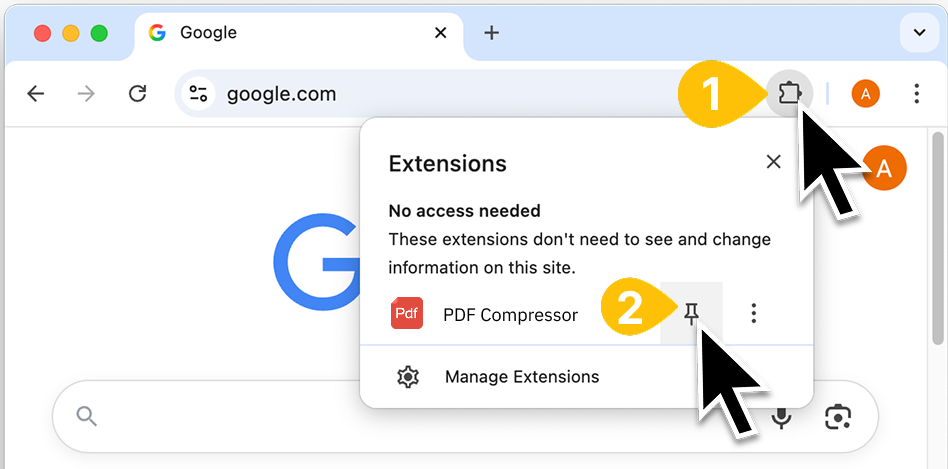
To ensure we stay connected, click the Extensions icon at the top right of Chrome and pin 'PDF Compressor' to your toolbar.
Pin the extension to your toolbar
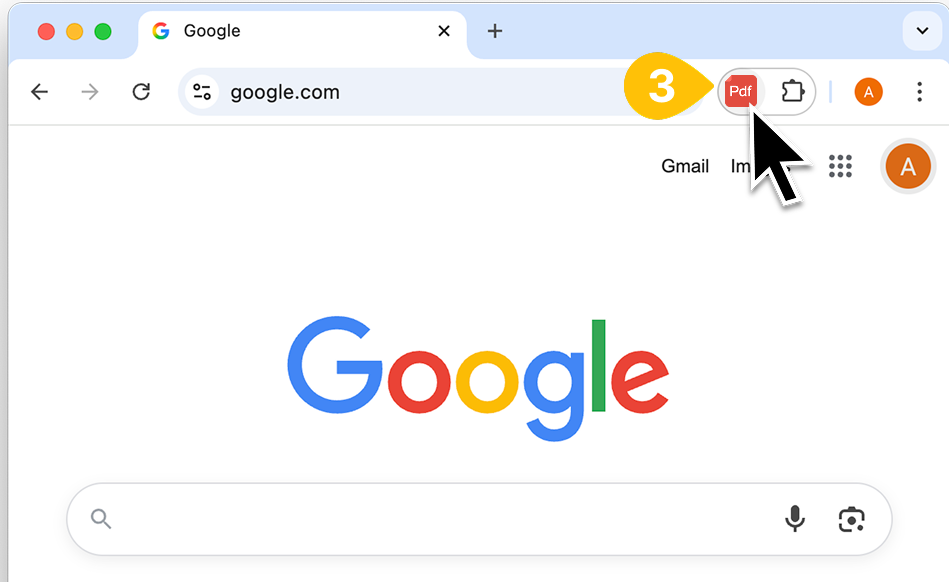
Now, click the 'PDF Compressor' icon whenever you need to instantly compress PDF files.